Gemini CLI v0.63.0 preview brings autonomous plan execution to non-interactive mode
Gemini CLI v0.63.0-preview.0 adds autonomous plan execution and trimmed tool output in non-interactive mode, plus memory lifecycle fixes and connection-recovery UX.
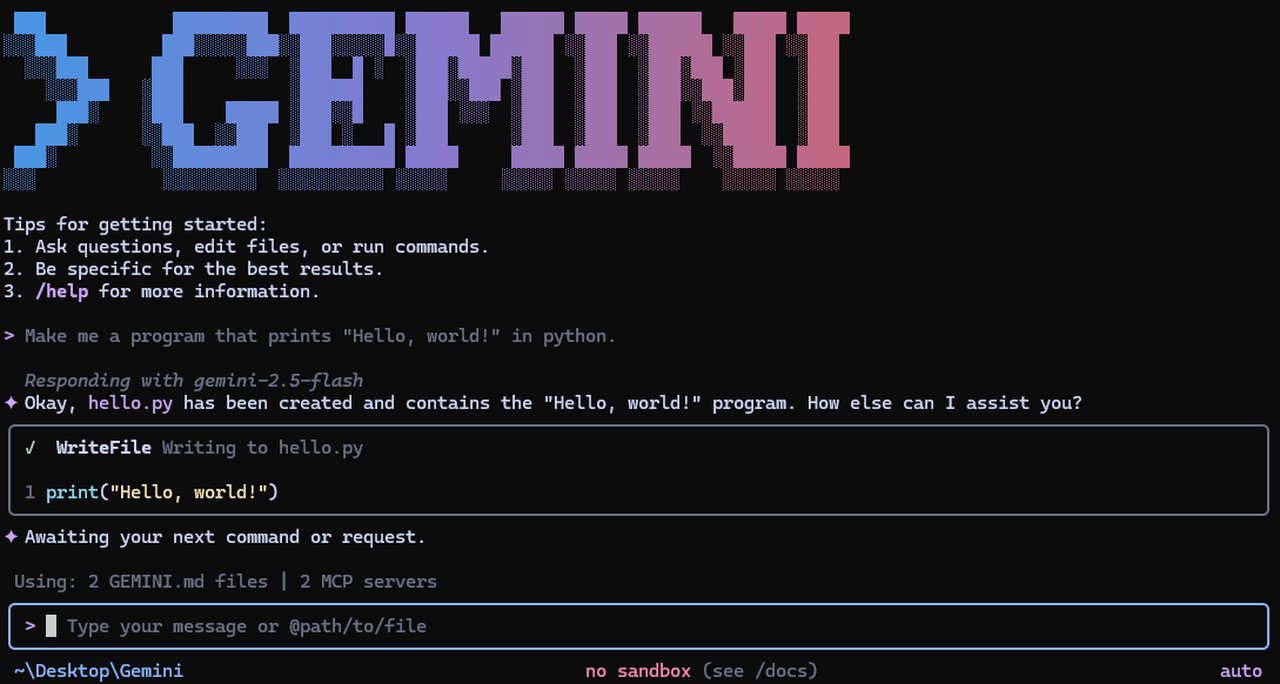
Google has shipped Gemini CLI v0.63.0-preview.0, the latest weekly preview of its open-source terminal agent, with autonomous plan execution in non-interactive mode as the headline change.
The changelog lists plan execution support in headless runs first among the new features. The release lets scripted and CI-driven invocations carry a plan through to execution without a human in the loop, which matters for teams running the agent in automation rather than at an interactive prompt.
The plan execution change is the one to watch. Plans are Gemini CLI's way of laying out multi-step work before doing it, and supporting them in headless mode puts the CLI closer to how teams actually deploy coding agents: as unattended workers in CI pipelines that propose a plan, run it, and report back. Combined with trimmed tool output, which keeps long agent loops from drowning in their own transcripts, this preview is clearly aimed at making the CLI a better citizen in automated workflows.
The release also tightens up long-running agent loops. Tool output is now trimmed by default in non-interactive mode, with the full content still retrievable on demand, and a batch of memory lifecycle fixes lands alongside it: the memory import processor no longer skips the first result file, and MCP OAuth tokens are now stored under a profile key instead of the server name, which should end flakiness when the same server appears under different names.
Reliability gets attention elsewhere too. The CLI now shows a toast prompting you to run /quit or /compress when a connection drops mid-session, and session continuity offers explicit retry or cancel choices during reconnects instead of hanging. The auth flow gets a guard against client-ID mismatch loops that could previously spin into repeated 500 errors.
The rest is the usual preview churn: a fix for --list-extensions when no extensions are installed, Windows install script corrections, settings UI polish, a higher fuzzy-matching threshold for the edit tool, and deduplicated @-file mentions in single-prompt mode.
For context, Gemini CLI is Google's Apache 2.0-licensed terminal agent, with a free tier of 60 requests per minute and 1,000 requests per day on a personal Google account. Non-interactive mode is how teams wire it into scripts and CI, so plan execution and output trimming there are aimed squarely at automation users.
Preview builds ship every Tuesday at 23:59 UTC and are explicitly not fully vetted, so expect rough edges. To try it: npm install -g @google/gemini-cli@preview. The stable channel promotes the previous week's preview every Tuesday evening with additional fixes.