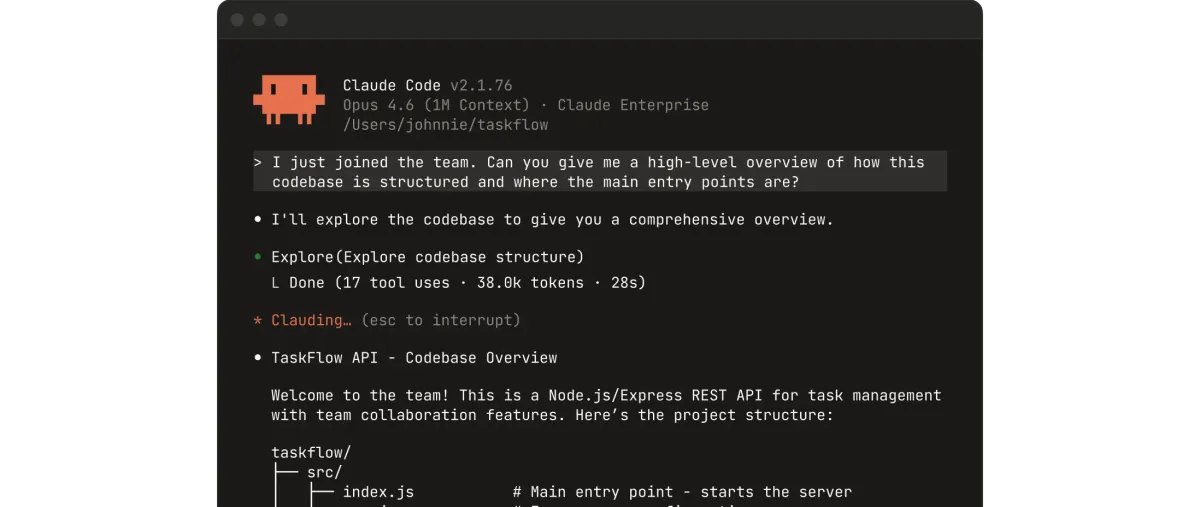
 Screenshot from Anthropic's Claude Code product page
 Anthropic's Thariq Explains How to Actually Use Claude Code's 1M Context Window
Thariq Shihipar from the Claude Code team published a guide to session management, context rot, compaction, rewind, and subagents. Here's every tip and why each one matters.
Thariq Shihipar, who builds Claude Code at Anthropic, published a long-form guide today on how to manage sessions and context in Claude Code. It’s the latest in his “Lessons from Building Claude Code” series, and it’s the most practical one yet.
The article comes alongside a new update to the /usage command, which Thariq says was shaped by customer calls where the same questions kept coming up: when do you start a new session? When do you compact? What makes a compact go wrong? Why does Claude seem to get worse the longer a session runs?
The answers all come down to one thing: how you manage your context window.
Context Rot Is Real
Claude Code has a 1 million token context window. That’s roughly 30,000 lines of code or 1,500 pages of text. But Thariq is clear that more context isn’t always better.
Context rot is the term for what happens as a session grows. The model’s attention spreads across more tokens, and older, irrelevant content starts competing with the current task. Performance degrades. It’s not a bug in Claude. It’s a property of how transformer attention works, and it affects every LLM.
When you hit the end of the context window, Claude Code automatically summarizes your session into a shorter description and continues in a fresh window. Anthropic calls this compaction. You can also trigger it manually with /compact.
Five Options After Every Turn
This is the core insight of the article. After Claude finishes a task, most people just type their next message. But Thariq says you actually have five options, and picking the right one is the difference between productive sessions and frustrating ones:
- Continue - Send another message in the same session. The natural default.
- /rewind (esc esc) - Jump back to a previous message and re-prompt from there. Everything after that point gets dropped from context.
- /clear - Start a fresh session with a brief you write yourself.
- /compact - Have Claude summarize the session and continue on top of the summary.
- Subagents - Delegate work to an agent with its own clean context. Only the final result comes back to your session.
Each one manages context differently. The skill is knowing which to reach for and when.
Rewind Is the Most Underused Feature
Thariq’s single strongest recommendation: learn to use rewind.
The scenario he describes is one every Claude Code user has hit. Claude reads five files, tries an approach, and it fails. The instinct is to type “that didn’t work, try X instead.” But that keeps all the failed attempt’s output in your context, polluting the window with irrelevant information.
The better move: rewind to the point right after the file reads, then re-prompt with what you learned. Something like: “Don’t use approach A, the foo module doesn’t expose that. Go straight to B.”
The result is the same useful context (the file reads) without the noise (the failed attempt). Your context stays clean and Claude has more room to work with.
There’s another trick here. You can type “summarize from here” before rewinding. Claude will distill what it learned from the failed attempt into a handoff message. It’s like a note from Claude’s past self to its future self: “I tried X, it didn’t work because of Y, try Z instead.”
When to Start Fresh vs. When to Compact
Once a session gets long, you have two ways to shed weight. They look similar but work very differently.
/compact asks Claude to summarize the conversation, then replaces the full history with that summary. It’s fast and you don’t have to write anything. But it’s lossy. Claude decides what to keep and what to drop. You can steer it with instructions: /compact focus on the auth refactor, drop the test debugging.
/clear is a manual reset. You write down what matters yourself: “we’re refactoring the auth middleware, the constraint is X, the files that matter are A and B, we’ve ruled out approach Y.” Then you start clean. It’s more work, but you control exactly what context carries over.
Thariq’s general rule: start a new session when you start a new task. The 1M context window means you can do longer tasks in a single session (building a full-stack app from scratch, for instance), but if you’re switching to something unrelated, a fresh session is almost always better.
For related tasks where some context is still useful, like writing docs for a feature you just implemented, continuing in the same session avoids Claude having to re-read all the files.
What Makes a Bad Compact
This is the most useful section for anyone who’s had Claude forget something important after compaction.
Bad compacts happen when the model can’t predict where your work is going next. Thariq gives a specific example: autocompact fires after a long debugging session and summarizes the investigation. Your next message is “now fix that other warning we saw in bar.ts.” But because the session was focused on debugging one thing, the other warning got dropped from the summary.
The timing makes this worse. Context rot means the model is at its least sharp right when it needs to decide what to keep and what to drop. The longer the session, the more likely something gets lost.
The fix: with 1M context, you have more runway. Use that runway to /compact proactively with a description of what you plan to do next, before the automatic compaction fires at a bad time.
Subagents Are Context Management
The final pattern Thariq describes is using subagents not just for parallelism but as a context management tool.
The mental test from the Claude Code team: “Will I need this tool output again, or just the conclusion?”
When a chunk of work will produce a lot of intermediate output you won’t need later (reading through a large codebase, running a battery of tests, analyzing a data file), that work belongs in a subagent. The subagent gets its own fresh context window, does whatever it needs to do, and returns only the synthesized result to your parent session.
Thariq suggests being explicit about this. Instead of letting Claude decide, tell it directly:
- “Spin up a subagent to verify this work against the spec file”
- “Spin off a subagent to read through this other codebase and summarize how it implemented the auth flow, then implement it yourself the same way”
- “Spin off a subagent to write the docs based on my git changes”
Each of these keeps the parent session’s context clean while still getting the benefit of the work.
The Bigger Picture
Thariq ends with a note that Anthropic expects Claude to handle session management decisions on its own over time. Right now it’s something you have to think about. The /usage update rolling out today is part of making that easier by giving you visibility into how your context is being used.
For a tool that 32,000 people read about in the first few hours of publication, the advice is surprisingly actionable. If you’re using Claude Code regularly and haven’t developed strong habits around rewind, proactive compaction, and subagent delegation, this article is worth the ten minutes.
Source: