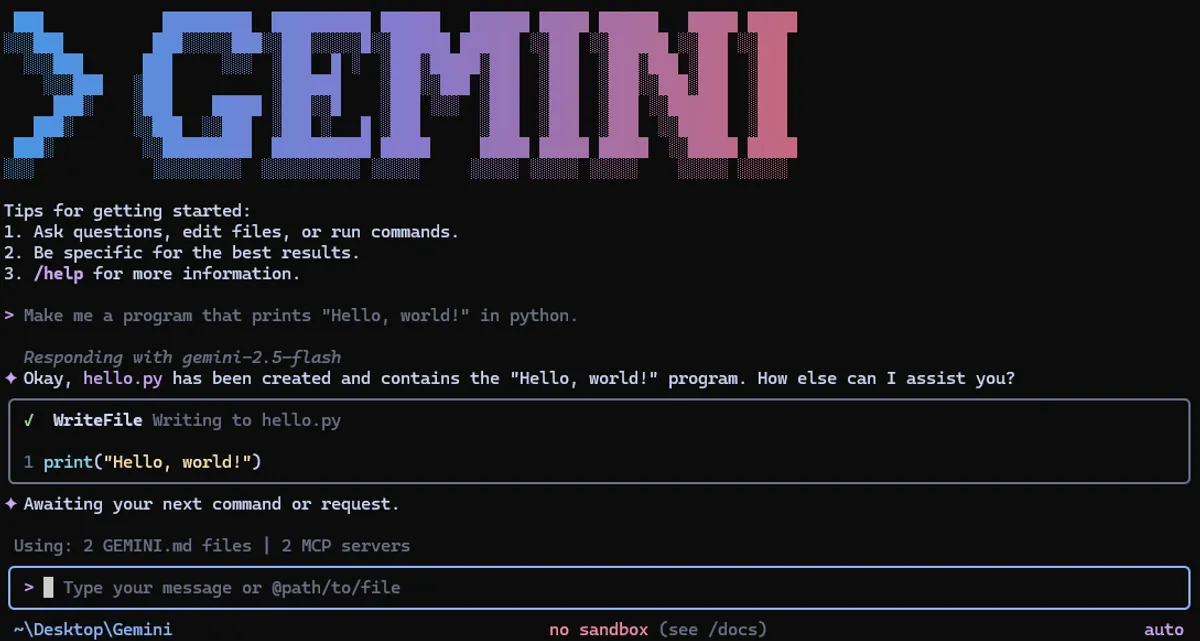
 Screenshot from google-gemini/gemini-cli on GitHub
 Gemini CLI v0.37 Brings Chapters, Dynamic Sandboxes, and a Smarter Browser Agent
Google's terminal AI coding tool just shipped its biggest update in weeks: session chapters for narrative flow, Linux and Windows sandbox expansion, a persistent browser agent, and early Gemini 3.1 Flash Lite support.
The latest stable build of Gemini CLI landed on April 13, 2026, and v0.37.2 is the most substantial update the tool has shipped since the February roundup we covered here. Three features lead the release: a session structure system called Chapters, expanded sandbox support for both Linux and Windows, and a browser agent that can now hold persistent state across tool calls.
The last time we looked at Gemini CLI, the tool was at v0.30. We’re now at v0.37. A lot has changed.
Chapters: Session Structure Without Manual Bookmarking
Long Gemini CLI sessions have had a readability problem. After an hour of work spanning multiple topics, the transcript becomes hard to navigate. You can’t quickly find where the database refactor started or where you switched to writing tests.
Chapters solves this by grouping agent interactions automatically based on what tools are being used and what the apparent intent is. Each chapter gets a label that reflects the task, and those labels appear as visual dividers in the session log.
The implementation came from #23150 and #24079. The grouping logic runs on-the-fly, so there’s no setup required. Sessions just become easier to read and navigate as they grow.
This is a feature that’s hard to screenshot but meaningful in daily use. Sessions that previously looked like an undifferentiated wall of tool calls now have visible structure.
Dynamic Sandbox Expansion for Linux and Windows
Gemini CLI has had sandboxing for a while, but until now, the sandbox was static: the set of directories and resources the agent could access was fixed at session start. v0.37 changes this with dynamic expansion.
On Linux, the sandbox can now grow as needed during a session via bubblewrap and seccomp. On Windows, the expansion shipped in two phases, with the second phase landing in #23691.
Git worktrees get their own isolation context under this model. If you use /worktree to spin up an isolated git workspace for an agent task, the sandbox boundaries follow the worktree, not just the project root. This matters for teams running parallel agent sessions on the same machine.
The security side also got attention: secret visibility lockdown for environment files and Windows sandbox integrity controls both landed in this release. The lockdown prevents environment variable values from leaking into tool call logs or agent outputs even when the env file is in the working directory.
Forbidden paths also got a dedicated config option. You can now specify paths that the sandbox should always block, regardless of what the agent requests. The setting is forbiddenPaths in the sandbox configuration.
Browser Agent: Persistent Sessions and Dynamic Tool Discovery
The browser agent in previous versions treated each page visit as stateless. Authentication, cookies, and session state didn’t carry between calls. That made any workflow involving login-protected sites fragile: you’d authenticate once, do something, and then lose the session on the next browser tool call.
v0.37 fixes this with persistent browser sessions. Once authenticated, the session stays alive across tool calls within the same Gemini CLI session. The browser agent can navigate to a protected page, log in, and then make subsequent calls without re-authenticating.
The second browser improvement is dynamic tool discovery. Previously, the set of tools available to the browser agent was defined at startup. Now the agent can discover read-only browser tools dynamically as it runs, adapting to what the current page exposes. A dashboard with data export controls, for example, can be discovered and used without pre-configuring those tools.
Sandbox-aware initialization rounds out the browser changes: the browser agent now understands the current sandbox context and adjusts its initialization accordingly. This prevents the category of bugs where browser actions succeeded in the sandbox setup but failed at runtime because the sandbox boundaries weren’t honored during initialization.
There’s also a new config option: maxActionsPerTask for the browser agent, which lets you cap how many browser actions a single task can take before requiring a human review. Useful for keeping agents from going too far down a rabbit hole autonomously.
ACP Commands and Gemini 3.1 Flash Lite
Two smaller additions worth noting:
The /about and /help commands now work inside ACP (Agent Communication Protocol) sessions. ACP is the protocol that lets Gemini CLI agents communicate with each other and with external services. Having standard help and about commands inside ACP sessions makes debugging agent-to-agent workflows easier.
Gemini 3.1 Flash Lite support landed in this release as an experiment-gated feature, via #23794. It’s not on by default. The feature flag enables the new model inside the CLI for users who want to test it before it’s broadly available.
There’s also a routing fix for Gemini 3.1 Pro via custom tools, which had broken dynamic model routing in some configurations (#23641).
Getting v0.37.2
npm install -g @google/gemini-cliThe full changelog is on GitHub. The diff from where we last covered Gemini CLI (v0.30) to v0.37 spans roughly 250 pull requests across two months. If you’ve been using Gemini CLI since February and haven’t updated, this release is a meaningful jump forward.
The Chapters feature in particular is something that becomes more valuable the longer your sessions run. If you’re using Gemini CLI for multi-hour development tasks, it’s worth updating just for that.
Sources: