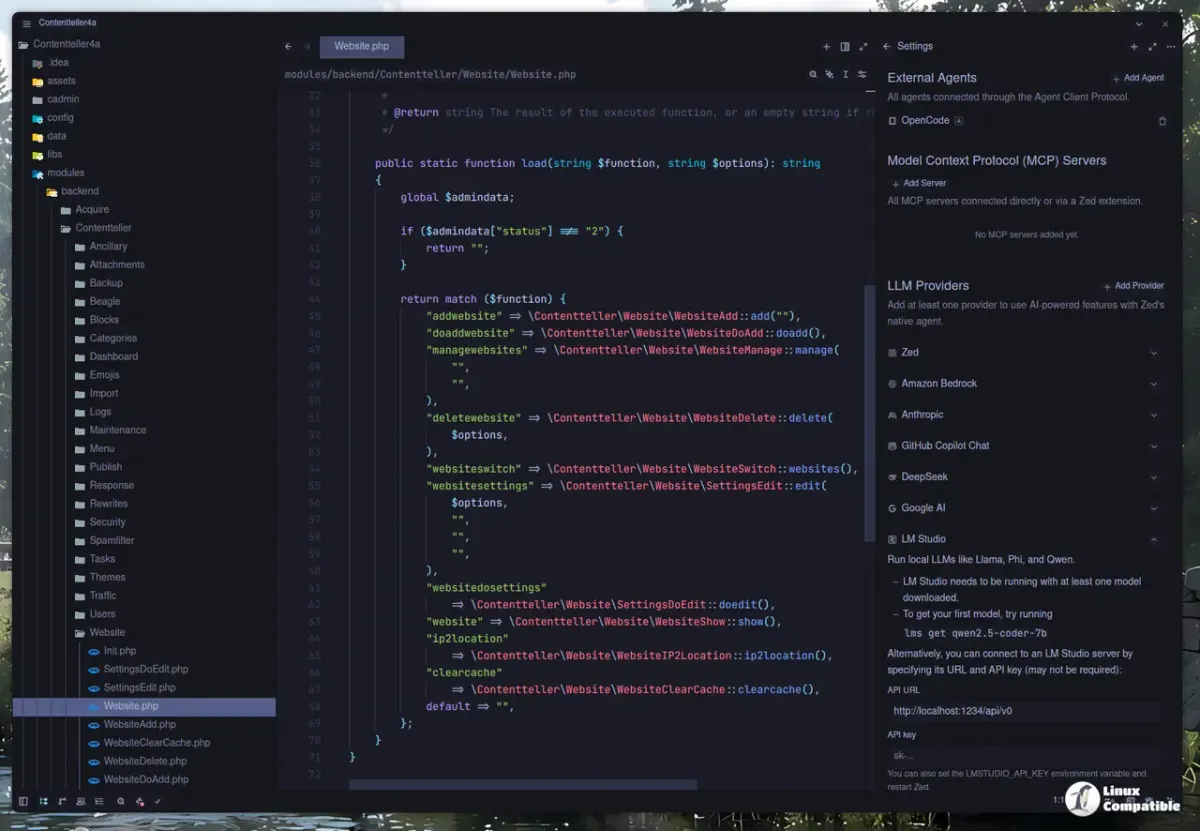
 Image: Linux Compatible / linuxcompatible.org
 Zed 1.18.0 Goes Stable with Inline C/C++ Debugging and New Models, 1.19.0 Preview Adds Call Hierarchy
The September 2 stable release brings inline debugger values for C/C++, persistent File Finder history, and Grok 4.5/4.6 support. The same-day preview adds call hierarchy, Git Panel multi-select, and automatic language detection.
Zed released two versions on September 2: version 1.18.0 as the new stable branch, and version 1.19.0 as the new preview. Both received a follow-up patch on September 4 (1.18.1 and 1.19.1) fixing Windows terminal input, a goToDefinition quirk, and a dev container variable logging issue. Here’s what’s new across both tracks.
1.18.0 Stable: C/C++ debugging, new models, and Markdown polish
The stable release was already covered when it first dropped as a preview on August 26, but stable means it’s the default download for everyone now.
Inline debugger values for C and C++. Through both CodeLLDB and GDB adapters, local variable values appear inline in the editor during a debug session, similar to what Zed already offered for Rust. You don’t need to hover over a variable or open a separate panel — the current value shows up next to the declaration.
Refreshed Markdown preview. The Markdown preview panel got a typography and spacing overhaul. Heading weights, blockquote rendering, and code block styles all changed. If you use Zed’s built-in preview for documentation or notes, the output looks cleaner.
Persistent File Finder history. The File Finder now remembers which files you opened in previous sessions. When you reopen a workspace, recently accessed files appear at the top of the picker without you having to type anything.
New AI models. Four providers got additions:
- GPT-5.6’s 1-million-token context window is now available on Amazon Bedrock for teams routing through Bedrock
- Gemini 3.5 Flash-Lite joins the Google AI provider list
- Grok 4.5 and Grok 4.6 are now available as options in Zed’s AI configuration
A batch of older Gemini models were removed at the same time — marked as retired in the release notes. If you had a specific Gemini version pinned in your config, check it.
Other changes. The terminal gained ctrl-alt keystroke support. Linux rendering got performance improvements. Over 70 bug fixes shipped with this release.
1.19.0 Preview: call hierarchy, Git multi-select, language detection
The 1.19.0 preview landed the same day and focuses on code navigation and Git workflow improvements.
Call hierarchy support. You can now navigate the call hierarchy for a function: see which functions call it, and which functions those call in turn. This is the same kind of feature you’d find in JetBrains IDEs or the LSP’s callHierarchy protocol — useful when you’re tracing how a function gets invoked through a large codebase.
Multi-select in the Git Panel. You can now select multiple files in the Git Panel and stage, unstage, or revert them all at once. The previous behavior required acting on each file individually, which was slow when you wanted to stage a specific subset of changes.
Automatic language detection for untitled buffers. When you open a new buffer and start typing code, Zed now infers the language and applies syntax highlighting and LSP features automatically. You no longer need to manually set the language for scratch files.
Project search on type by default. The project search panel now begins searching as you type rather than waiting for you to press Enter. This can be toggled off if you prefer the old behavior.
Sources: