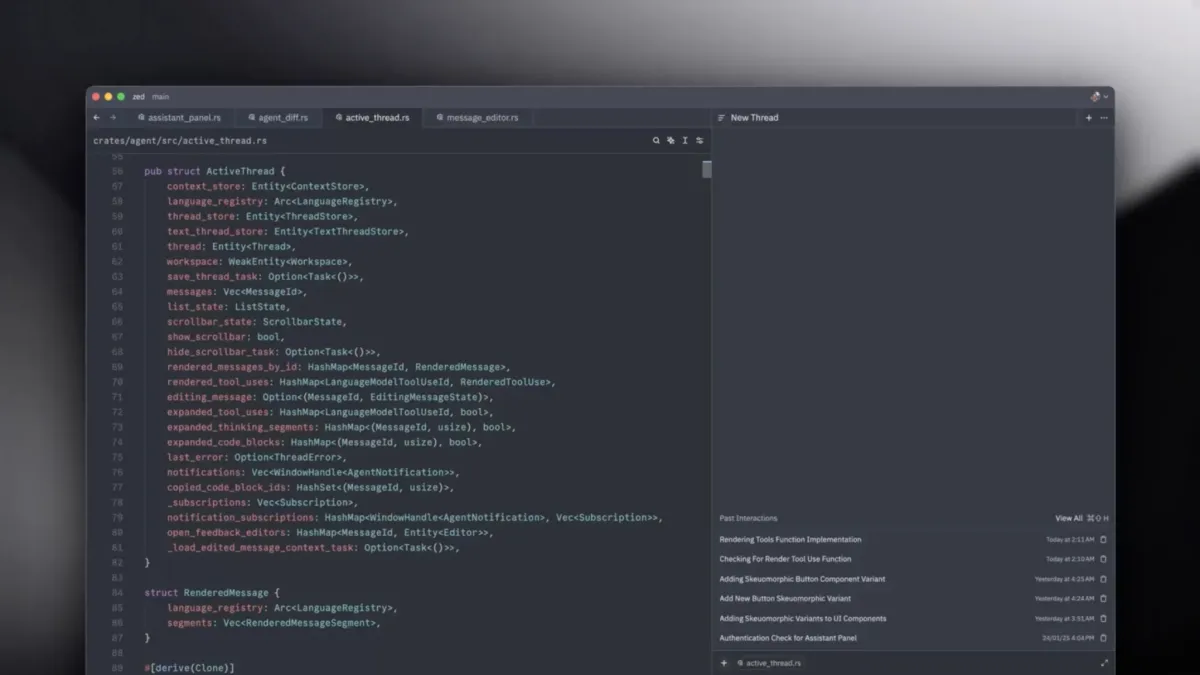
 Image from Zed Industries / zed.dev
 Zed 1.7.2 Adds Automatic Agent Context Compaction and a /compact Command
Zed's June 17 stable release ships automatic agent context compaction, the /compact command for manual control, agent skills moved into settings UI, custom git commands on branches and tags, and a cleaner Markdown preview.
Zed 1.7.2 landed on the stable channel on June 17. The headline addition is agent context compaction: an automatic process that trims conversation history when it grows too long, keeping sessions responsive without losing the thread of what you were doing.
Context Compaction
Long agent sessions accumulate context fast. A session where you’ve asked the agent to refactor several files, debug a failing test, and then update documentation can push context windows to their limits. When that happens, older parts of the conversation get cut off, and the agent loses access to earlier decisions.
Automatic compaction handles this by summarizing and pruning conversation history before the context ceiling is hit. Zed now does this automatically. If you’d rather control the timing yourself, the new /compact command triggers it manually. Both paths lead to the same result: a leaner context that preserves relevant history and keeps the session going.
This is a practical fix for a real problem. Long coding sessions were either expensive (large context windows) or lossy (truncation). Compaction is a third option.
Agent Skills in Settings UI
Agent skills management moved out of a separate interface and into the main settings panel. You can now configure, enable, disable, and troubleshoot skills from the same place you set everything else. The settings panel also shows clearer feedback when a skill has a configuration issue, rather than failing silently.
Git: Custom Commands on Branches and Tags
The Git graph now has a context menu on ref labels — branches, remote refs, and tags. From that menu you can run custom git commands directly against the clicked ref. This is handy for workflows that aren’t in Zed’s built-in git tooling: custom scripts, project-specific hooks, or operations that the git panel doesn’t expose natively.
The release also adds an option to exclude files via .git/info/exclude (alongside .gitignore) in the context menu, and improves commit details with an optional tree view for changed files.
Markdown and Editor Changes
The Markdown preview got a styling pass — cleaner spacing and better legibility for rendered documents. A new block quote toggle action makes it easier to wrap or unwrap content, and you can now apply strikethrough formatting by selecting text and typing ~.
zed:// links are now clickable inside the terminal. A small thing, but useful when the agent or a script outputs a link to a Zed-specific location.
The settings window also has a scope picker in breadcrumbs now, letting you switch between user-level and project-level configuration without navigating manually.
Bug Fixes
The release addresses clipboard freezing on Linux Wayland, language server auto-restart behavior, and memory management during LSP logging. Several UI rendering issues were also fixed.
Zed 1.7.2 is available now through the auto-updater or at zed.dev.
Source: Zed 1.7.2 release notes