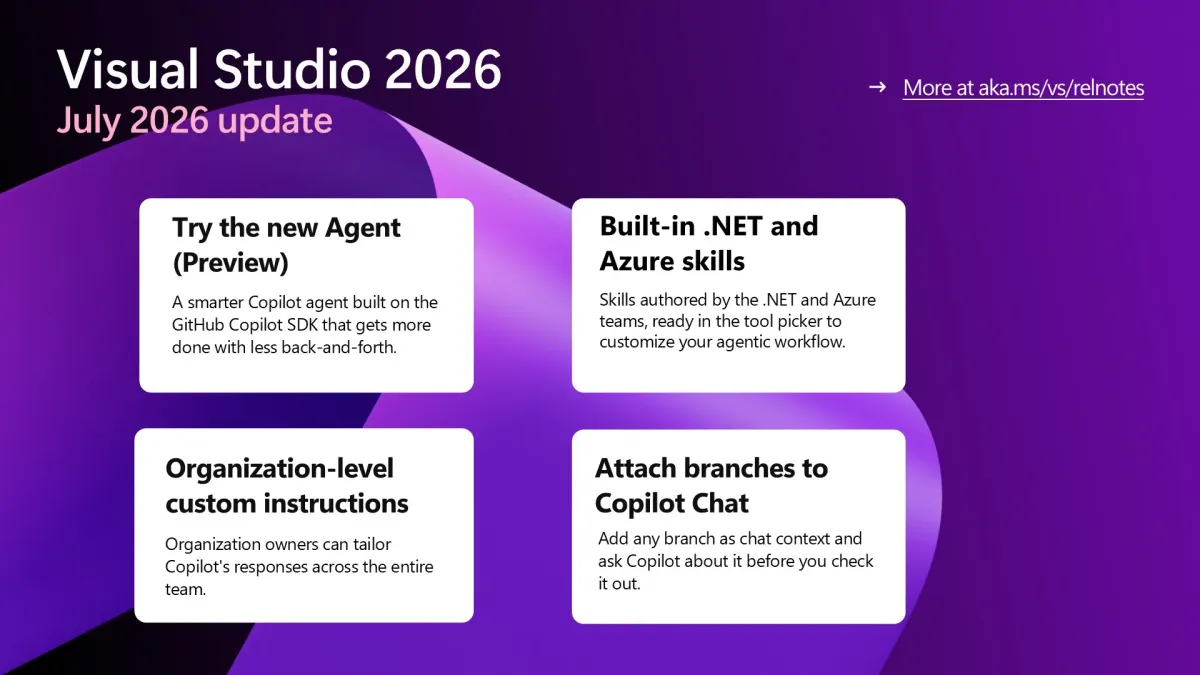
 Image: Microsoft / devblogs.microsoft.com
 GitHub Copilot in Visual Studio Gets a New SDK-Powered Agent, .NET Skills, and Org Instructions
GitHub's July 2026 update to Copilot in Visual Studio ships a new SDK-based agent with shorter, more actionable responses, built-in .NET and Azure skills from Microsoft's own teams, a right-click code review, and organization-wide custom instructions.
GitHub shipped its July 2026 update to GitHub Copilot in Visual Studio on July 30. The release brings a revamped agent, pre-built expertise from Microsoft’s .NET and Azure teams, and new ways to standardize Copilot behavior across organizations.
New agent built on the Copilot SDK
Copilot Chat in Visual Studio has a new Agent (Preview) option in the agent picker. It’s built on the same GitHub Copilot SDK that powers the GitHub Copilot CLI, so it shares the same underlying architecture as the terminal-based agent.
The practical difference, according to GitHub: responses are shorter and easier to scan, and it “gets more tasks right the first time with less back-and-forth.” Less iterative clarification, more code. The existing Copilot agent stays available during the preview — you pick which one to use from the agent picker at the bottom of the Copilot Chat window.
Built-in .NET and Azure skills
Visual Studio now ships with pre-built skills authored by members of the .NET and Azure teams. These appear in the tool picker under a Built-in category when you have the relevant workloads installed, and they’re disabled by default so they don’t activate unless you turn them on.
The skills cover practical tasks: creating ASP.NET Core endpoints, reviewing .NET performance, preparing and validating Azure deployments. The idea is that these aren’t generic instructions — they’re written by the teams that build and maintain those stacks.
There’s no documentation on the full skill list yet, but they’re available for inspection in the tool picker once the relevant workloads are installed.
Right-click code review
You can now select a block of code in the editor, right-click, and choose Copilot Actions > Review Selection. Copilot returns inline comments that appear directly in the editor. Each comment has a sparkle icon that lets you apply the suggestion or ask Copilot to generate a new one.
It’s a faster path to feedback than opening a chat session, especially for reviewing specific functions or sections you’re uncertain about.
Organization-level custom instructions
GitHub Copilot Business and Enterprise organization owners can now set custom instructions that apply to all repositories in their organization. Previously, developers had to configure custom instructions per repository or per developer. The org-level setting propagates automatically, which matters for teams that want to enforce consistent coding standards, preferred frameworks, or style guidelines across a large codebase without per-developer setup.
Branch attachment to chat
You can right-click a branch in the Git Repository window and select Add to Chat to attach its context to the current Copilot Chat conversation. This lets you ask questions about a branch before checking it out — useful when reviewing what a teammate pushed or deciding whether to merge.
Full details at github.blog/changelog/2026-07-30-github-copilot-in-visual-studio-july-update. The accompanying Visual Studio Blog post is at devblogs.microsoft.com.