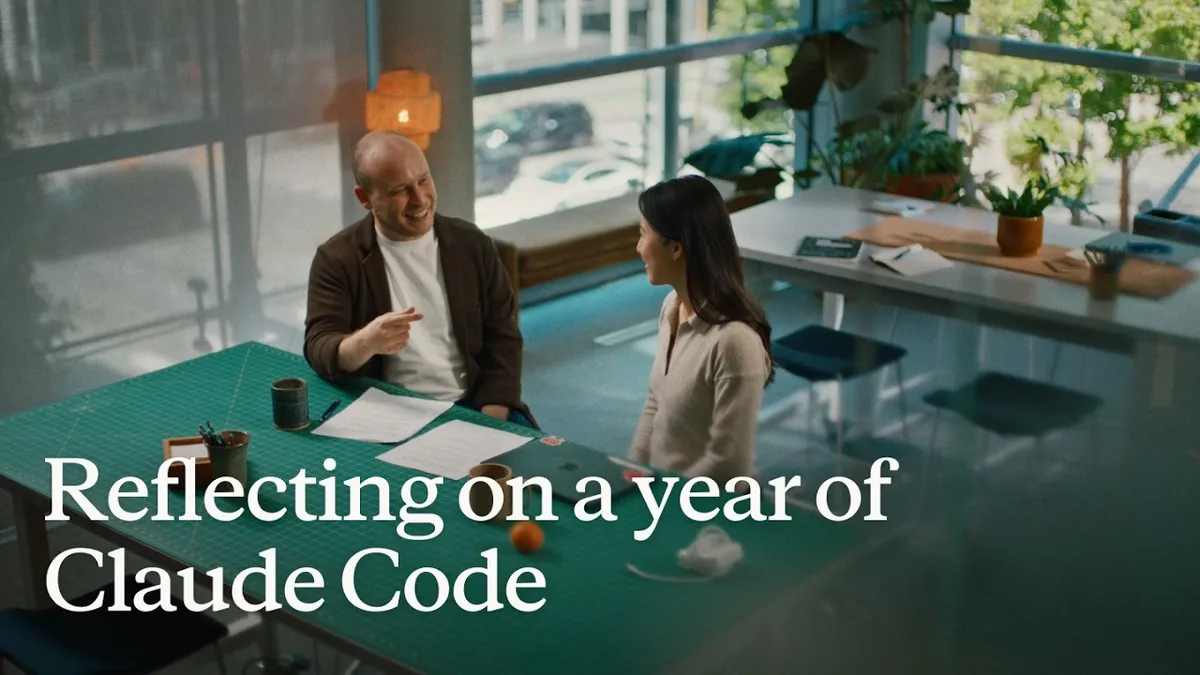
 Video still from Anthropic
 'Reflecting on a Year of Claude Code': What Anthropic's Team Learned
In a new conversation marking Claude Code's first year, Anthropic engineers including Boris Cherny walk through how the tool went from two Slack reactions to developers running thousands of agents, and the working habits that changed along the way: verification, routines, auto mode, and loop.
Anthropic posted a conversation this week to mark one year of Claude Code, and it doubles as a snapshot of how the people who build the tool actually use it now. The video features Boris Cherny, who created Claude Code, talking with a colleague about what changed between the first release and today.
The opening anecdote sets the tone. When the team first shipped Claude Code, someone posted a short demo video to Slack and got two reactions. A year later, the same engineer describes prompting “a tree of like thousands of agents,” with agents prompting agents that prompt other agents. The gap between those two moments is the whole story.
When Claude makes a mistake, change the instructions, not the prompt
The single habit the team keeps returning to is simple. Every time Claude makes a mistake, they don’t tell it to do the task differently in the moment. They write the correction into the project’s CLAUDE.md file, or turn it into a skill, so the fix sticks. Do that consistently, and Claude “can just run forever” without repeating the same errors.
It’s a small discipline with a large payoff. Instead of re-explaining the same preference every session, you encode it once and the agent carries it forward.
Verification is the part everyone gets wrong
The team spends a good chunk of the conversation on verification, and the framing is worth repeating because it cuts against the usual assumption. When most developers hear “verification,” they think unit tests, linting, type checks. Those were already easy to automate, and they were already automated.
The verification that matters for agents is different: can the agent actually run the thing it built? That turns out to be the hard, unglamorous work. Cherny recalls hooking up an early Opus model and asking it to build a feature and then test itself in bash. The model opened its own CLI and tested its own feature. At the time that felt astonishing. Now the loops run against the iOS simulator, the Android simulator, and full desktop computers using computer use.
One engineer built a desktop development skill that teaches Claude to spin up a local copy of the desktop app and click around it with computer use, exercising new UX, testing edge cases, and fixing what breaks. When it hits a staging issue, it reads Slack to check whether staging is down or whether someone else already reported the bug, then updates the skill once it understands the problem.
The roles are merging
A recurring theme is that everyone on the team writes code now, including people whose job titles say otherwise. Cherny describes being “horrified” early on to see a designer putting up pull requests, then looking at the code, deciding it was fine, and now treating it as completely normal.
Anthropic says it sees the same pattern across the enterprises it works with. Engineers adopt Claude Code first, then adjacent roles look over their shoulders and try it. Designers prototype and make changes directly in the app instead of routing the work through an engineer. Product managers ship changes. The finance team runs projections in Claude Code. Data scientists keep it open all day. The argument that follows is that when Claude writes the code, the scarce skill becomes having the right idea, the product context, and the taste to know what to build.
Routines: the agents that work while you sleep
The use case the team is most excited about is routines, which run Claude Code on a schedule or in response to events rather than synchronously in a terminal.
One engineer set up a routine that watches every GitHub issue and bug report tied to a feature he owns, picks them up proactively, opens a fix, and pings him the pull request. He then pointed a broader routine at unanswered feedback across the product. The result is that bugs get fixed before the person who filed them gets to them. Cherny describes shipping a small feature with an edge case he hadn’t noticed, planning to fix the reported bug that night, and watching his own agent discover that another engineer’s routine had already fixed it. “Quad tells me this all the time now, that someone else has already fixed it.”
Routines also quietly took over the chores that used to define code review. Responding to review comments, fixing CI, rebasing: the team says an agent babysits every pull request now, and they haven’t done that manual work in a long time.
Auto mode replaced plan mode
Asked for his go-to feature in the CLI, Cherny’s answer is auto mode, and it has displaced plan mode entirely for him. His reasoning is that the newer models no longer need an explicit planning step. He pins the shift to recent model versions, saying that earlier on the planning artifact was genuinely useful, but the current models just start working without it. He kicks off one agent, moves to the next, and doesn’t sit and watch.
The deeper point is about the permission model. Claude Code originally asked the user to approve each tool call, yes or no. Auto mode routes those decisions to a separate model that checks for safety, and the team argues this is actually safer than manual approval. When you accept 99% of prompts, your eyes glaze over and you stop reading them. Auto mode means you only get pulled in for the requests that genuinely warrant attention.
Securing auto mode took red teaming, not trust
The team is candid that trusting an agent to run unattended required serious security work. To ship auto mode internally, they collected thousands of full agent trajectories paired with permission prompts and had the classifier judge whether each was safe. Then they brought in red teamers to try to prompt-inject and attack the codebase, turned those attempts into evals, had internal teams try to break auto mode, and hardened it until the attacks were caught. The stated goal is to defend not just against threats in the wild today but against the most capable attacks they can construct themselves.
Cherny admits this is one of several features he initially thought would never work. “Route the prompt to a model? No way.” Empirically, it worked well. His broader lesson is that a lot of conventional engineering intuition has to be thrown out when you build on top of a model, and relearning that is now part of the job.
Loop is the next leap
If the first leap was moving from writing source code to talking to an agent that writes it, the team frames loop as the next one: you stop talking to an agent and start talking to a loop or a routine that prompts Claude for you. Two big shifts in a year and a half, by their count.
That ties into how Cherny works now. Until recently he kept six terminal tabs open with six git checkouts of the same repo and tabbed between them. Now he uses a single tab with the new agent view, and lets the desktop app handle worktree cloning so he doesn’t manage checkouts by hand. Roughly half his engineering now happens on his phone. He starts agents from remote control, walks away to get coffee, checks in, and starts more. The colleague recounts noticing Cherny’s laptop sitting locked on his desk for days while pull requests kept landing under his name, until it clicked that he was “coding from my couch.”
Context minimalism
On context engineering, both speakers land in the same place. Prompt engineering suited the models of a couple of years ago. Context engineering suited the generation after. With current models, the advice is to give the minimal system prompt, the minimal set of tools, and a way to pull in context, then let the model figure out the rest. Overloading a model with context is described as micromanagement, when the model often knows a better path to the same outcome. Anthropic says it’s also making the harness leaner so there’s more room for the user’s own prompts.
Where it’s heading
The team is upfront that they don’t know what Claude Code looks like in another year, and they’d be surprised if it still centered on today’s features. The trends they do see: agents running longer, more autonomously, and rarely one at a time. The closing argument is borrowed from the personal computer transition of the 1990s. The productivity gains didn’t come from putting a computer next to the existing paper process. They came from throwing out the filing cabinet and putting the computer at the center of everything. Anthropic’s claim is that it’s doing the same with Claude, and that because so much knowledge work is already digital, the shift is arriving far faster than the decade-plus it took for computers.
The full conversation, “Reflecting on a year of Claude Code,” is on Anthropic’s YouTube channel.
Sources: