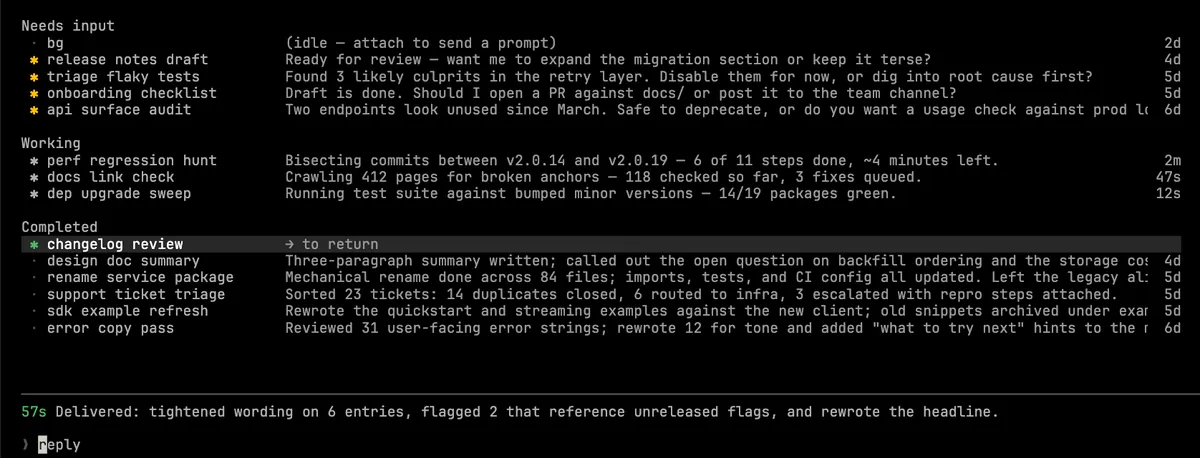
 Screenshot from Anthropic's Claude Code documentation
 Claude Code 2.1.178: Block Specific Models in Subagents and Load Skills by Directory
The June 15 release adds Tool(param:value) permission syntax so you can block specific models from being used by subagents, plus contextual skill loading from nested .claude/ directories.
Claude Code 2.1.178 shipped June 15 with a permission system update that’s been on a lot of developers’ wish lists: the ability to block specific models from being used when Claude spawns subagents.
The New Tool(param:value) Permission Syntax
Before this release, permission rules in Claude Code could match tool names and command patterns, but not the parameters passed to those tools. If you wanted to prevent Claude from using Opus-class models in subagents — say, to control costs in an automated pipeline — you had no clean way to do it.
Version 2.1.178 adds a new syntax: Tool(param:value). You can now write permission rules that match on a tool’s input parameters, with wildcard support.
The most immediately useful application is for the Agent tool:
{
  "permissions": {
    "deny": ["Agent(model:opus)"]
  }
}
This blocks Claude from spawning any subagent that uses an Opus-class model. If you want to be broader about it, Agent(model:opus*) would catch all Opus variants. You can allow only certain models in subagents too, by combining an allow rule for the models you want with a deny for everything else.
This matters most for teams running Claude Code in CI, cron jobs, or automated review workflows, where you want predictable costs and don’t want a prompt or agent to override your model choices mid-run.
The same syntax works for other tools where parameters are meaningful. WebFetch(domain:example.com) was already supported, but now the pattern extends to any tool that takes structured inputs.
Nested .claude/ Directories for Skills
The second notable change is contextual skill loading from nested .claude/ directories.
Previously, Claude Code loaded skills from the .claude/skills/ directory at your project root. If you had a monorepo with different subprojects, you had to manage one shared set of skills or work around it.
With 2.1.178, Claude Code now loads skills from the closest .claude/skills/ directory relative to the files you’re working on. If you’re editing files in packages/api/, it looks for skills in packages/api/.claude/skills/ first, then walks up the directory tree.
When there’s a name conflict between a skill in a nested directory and one at the root, the nested skill shows up as <dir>:<skill-name> in the picker so both are available. The closest .claude/ directories win for agent, workflow, and output-style conflicts.
Auto Mode Gets a Safety Gate
Auto mode, which handles tool approvals autonomously, now runs a classifier check before spawning subagents rather than spawning them immediately. The classifier evaluates whether the spawn is consistent with the current task context before it happens.
This is part of the broader auto mode reliability work going on. It does not affect manual or interactive use, only sessions running in auto mode where subagent spawns would otherwise happen without prompts.
/doctor Gets Cleaner Output
The /doctor command now uses a consistent flat tree layout across all its diagnostic sections, with clearer section status icons and highlighted command names. If you’ve been using /doctor to debug plugin or MCP server issues, the output is easier to scan.
Bug Fixes Worth Knowing About
Several fixes landed that were causing real problems:
- An out-of-memory crash that could occur from stale websocket and OAuth file descriptors accumulating over long sessions
- Claude in Chrome silently failing when your browser session was on a different account than your Claude Code session
- Nested skills being blocked by permission prompts in non-interactive runs (affecting automated setups)
- Vim mode’s
uundo command merging undo steps incorrectly - The
--fallback-modelflag not being honored during compaction
If you’ve been hitting any of these, updating should clear them.
Upgrading
Run claude update in your terminal to get 2.1.178. If you’re managing Claude Code in an enterprise environment via managed settings, the enforceAvailableModels setting (added in 2.1.175) lets you lock which models can be used, including in subagents, across your organization.
Sources: