 Image: AlphaSignal / alphasignal.ai
 Anthropic Adds Terraform-Style Agent Deployment to the ant CLI
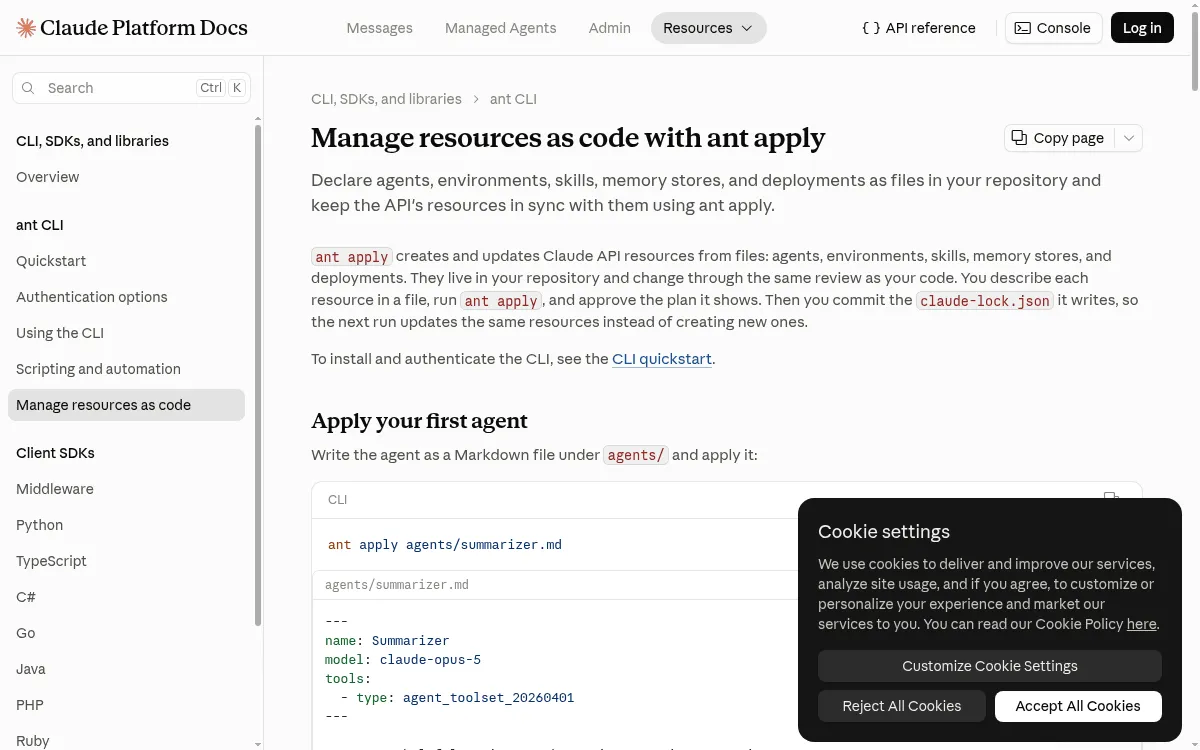
The ant apply command, shipping in CLI v1.30.0, lets you declare Claude agents, environments, skills, and scheduled deployments as files in your repo and keep them in sync with the API the same way you'd manage infrastructure.
Anthropic released CLI version 1.30.0 on September 3, adding ant apply — a command that manages Claude API resources the same way Terraform manages cloud infrastructure. You describe agents, skills, environments, memory stores, and scheduled deployments as files in your repository, run ant apply, and the CLI reconciles the live API to match.
How it works
Each resource is a Markdown, YAML, or JSON file. For agents and deployments, Markdown is the natural format: frontmatter holds configuration fields, and the body becomes the system prompt or the deployment’s opening message. Everything else (environments, memory stores) works as YAML.
The workflow mirrors Terraform closely:
- Write a file describing a resource.
- Run
ant apply. The CLI prints a plan showing what will be created or updated. - Review and approve. The CLI applies the changes and writes a
claude-lock.jsonto the repository root. - Commit
claude-lock.json. Subsequent runs use it to find and update the same resources rather than creating new ones.
The lockfile records the ID of each resource, plus two hashes — one for what was last applied locally, one for what the API returned. That’s how a later run detects whether a file was edited locally or whether someone changed a resource outside these files (in the Claude Console, for example).
Dependencies resolve automatically
Resources can refer to each other by file path rather than by API ID. If a deployment file points at ../agents/reviewer.md and ../environments/cloud.yaml, ant apply creates them in dependency order and substitutes the real IDs. Edit reviewer.md and reapply — everything that references it updates in the same run.
For skills hosted on GitHub, you can reference them by URL and pin them to a specific commit:
skills:
  - https://github.com/anthropics/skills/tree/main/pr-summary
Running ant apply --upgrade re-resolves those pins to the latest commit.
CI integration
Without a terminal, ant apply exits with an error asking you to pass --yes or --dry-run. In a GitHub Actions workflow, the pattern is:
- On pull requests:
ant apply --dry-run .— prints the plan for reviewers to see, exits 0. - On merge to main:
ant apply --yes .— applies changes and commits the updated lockfile.
Anthropic recommends Workload Identity Federation rather than stored API keys for CI, so the credentials are scoped to the organization and workspace recorded in claude-lock.json.
What it doesn’t do (yet)
ant apply can’t adopt resources you already created in the Claude Console or with earlier ant commands — it would create a second copy of anything not already in the lockfile. If you want to bring an existing agent under file management, the Console has an “Export as code” option that downloads the agent definition alongside its own claude-lock.json.
Deleting a file doesn’t delete the resource. It leaves the resource in place with a warning. You need to pass --prune to remove it.
Sources: